Follow the account
Scan the QR code or search for “维构未来视频转文字” in WeChat.
Videosays for WeChat
Follow “维构未来视频转文字”, send a public video link or the full share text, and connect your Videosays account once. After that, the same conversation can create tasks, check status, and deliver the transcript.
Public links only. Videosays transcribes speech and does not provide source-video downloads.
Official account
维构未来视频转文字
Search this exact name in WeChat if scanning is inconvenient.
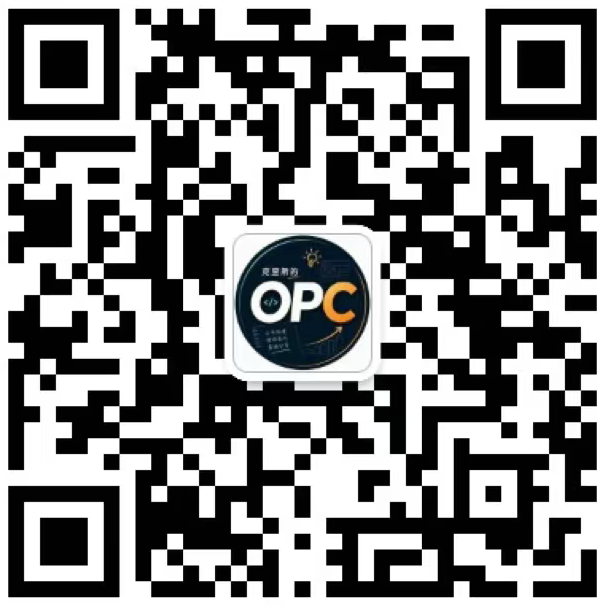
Scan with WeChat or long-press the QR code on mobile.
How it works
New users complete one account connection. Existing connected users can skip directly to sending links and checking results.
Scan the QR code or search for “维构未来视频转文字” in WeChat.
Copy a supported public video link or paste the full share text that contains it.
Open the binding page, sign in or register, and enter the 8-character code within 15 minutes.
The first link is submitted automatically after binding. Completed tasks include a 15-minute TXT download and a task-detail link.
Capabilities
The official account reuses the same Videosays task, credit, and export system as the web dashboard.
Recognize a supported URL inside a link message or full share text and submit it to Videosays.
Send “status” to see whether the latest task is waiting, processing, completed, or needs attention.
Receive a private TXT link valid for 15 minutes, plus the signed-in task page for additional exports.
Private, deleted, expired, login-only, or region-restricted videos may not be accessible. Native share cards are not guaranteed; copy the link or full share text for the most reliable result.
Conversation commands
Send one of these words as a text message in the official-account conversation.
helpShow the shortest getting-started instructions.
capabilitiesList supported platforms, outputs, and limits.
tutorialOpen the complete step-by-step tutorial.
statusCheck the latest submitted task and retrieve a completed result.
unbindDisconnect this WeChat identity from Videosays.
Not reliably. The supported promise is a public link or full share text that contains the link. Different apps and WeChat versions may represent native cards differently.
The connection assigns tasks and credit usage to your Videosays account. It is required only once until you unbind or unfollow the official account.
Send the original public link to the official account again. A new one-time code will be generated and will remain valid for 15 minutes.
The first version uses a reliable pull workflow. Send “status” to check progress. Completed tasks return a private TXT download and task-detail link.
No. Videosays creates transcript text from publicly accessible video content and does not provide original-video downloading or redistribution.
Follow the account, send one public video link, and complete the one-time connection when prompted.
Need help? Email wegofuture@126.com.